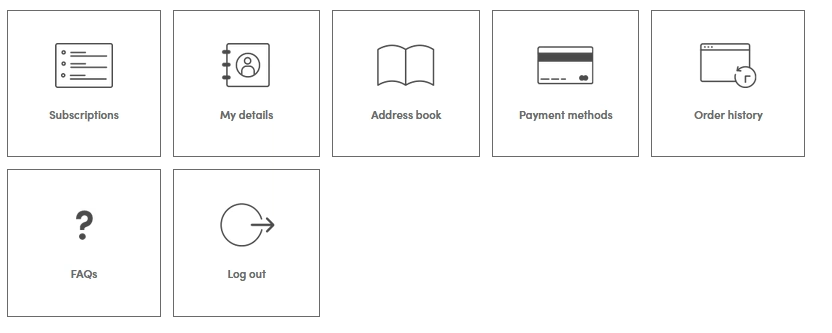
As soon as you log in to your account, go to My account, and you will see Payment methods – This is where you can update or remove your payment details. If you’ve added a new payment method, you’ll first need to set it as your default payment method before you can delete your old one. Please make sure to remove your old card details once the new payment method has been set as the default.
Still need help? Please click here.
